How to view transfers for a specific period
Learn how to filter and view transfers for a selected time period
Open the Accounts section.
Go to the Transfers tab.
Click Filters.
Select the required date range.
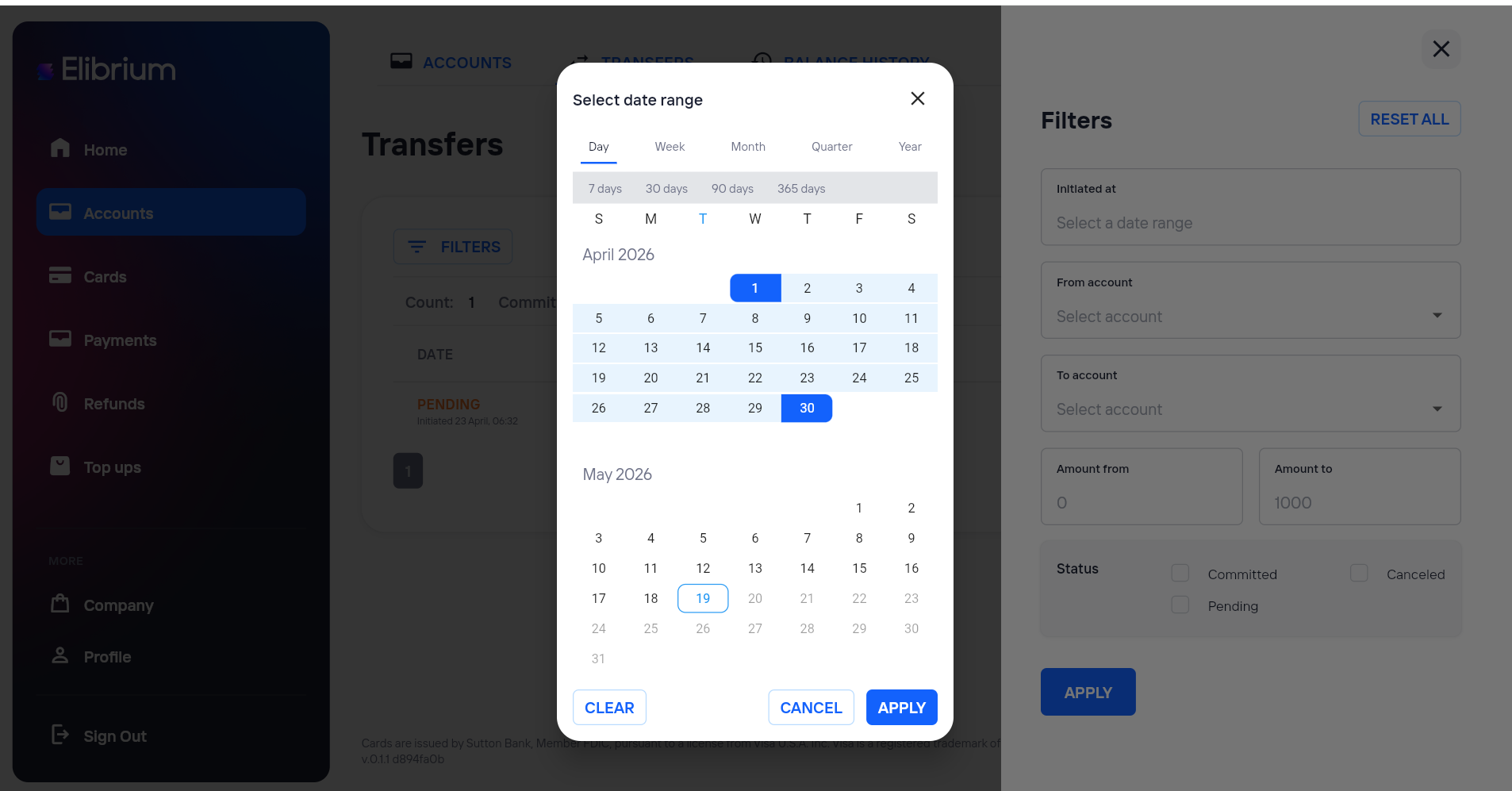
Optionally apply additional filters:
source account;
destination account;
status;
amount.
Click Apply.
After applying filters, the table will display transfers only for the selected period.