How to block and unblock a card
Learn how to block a card and prevent new payments from being processed.
Block a card
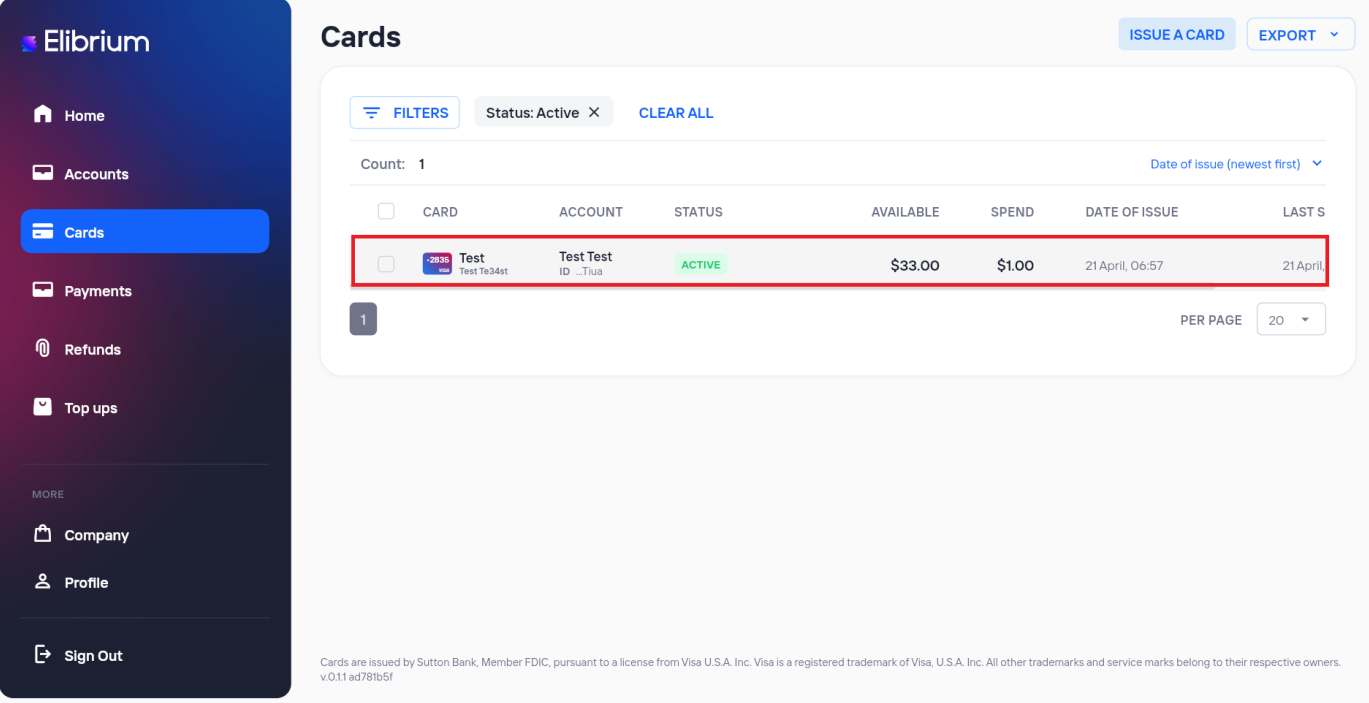
Go to the Cards section
Select a card from the list.
Open the card details.
Click Block.
Confirm the action.
After the card is blocked, new payments made with the card will be declined.
Unblock a card
Open the blocked card details.
Click Activate card.
Confirm the action.
After the card is reactivated, the card can be used for payments again.
Important note:
Appropriate permissions may be required to block or unblock a card. If the action is unavailable, contact your company administrator.