Statements overview
View a PDF report with balances, summary metrics, and detailed transaction history for a selected account and period.
Elibrium provides two types of financial reports: Detailed and Summary.
Both reports include financial information for the selected period, but differ in the level of detail and report scope.
A detailed financial statement can be viewed from the Statements section.
The report is generated in PDF format and includes:
company information;
selected account details;
opening and closing balances;
summary metrics for the selected period;
a detailed list of transactions.
How to download the report
Open Statements from the side menu.
Select the required reporting period.
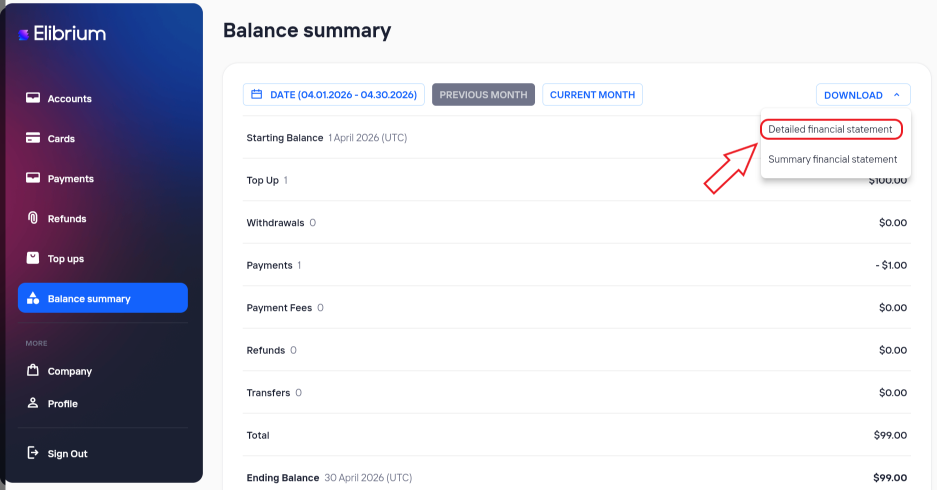
Click Download.
Select Detailed financial statement.
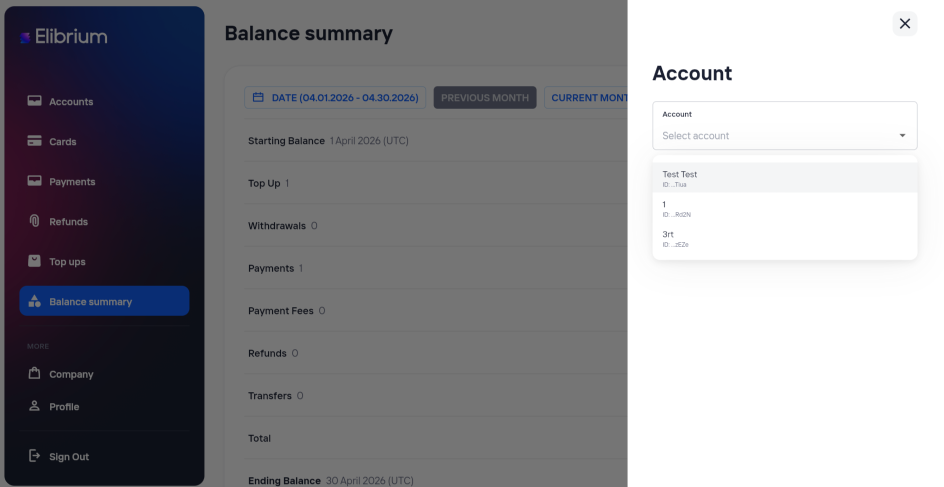
Choose the account for the report.
Click Download.
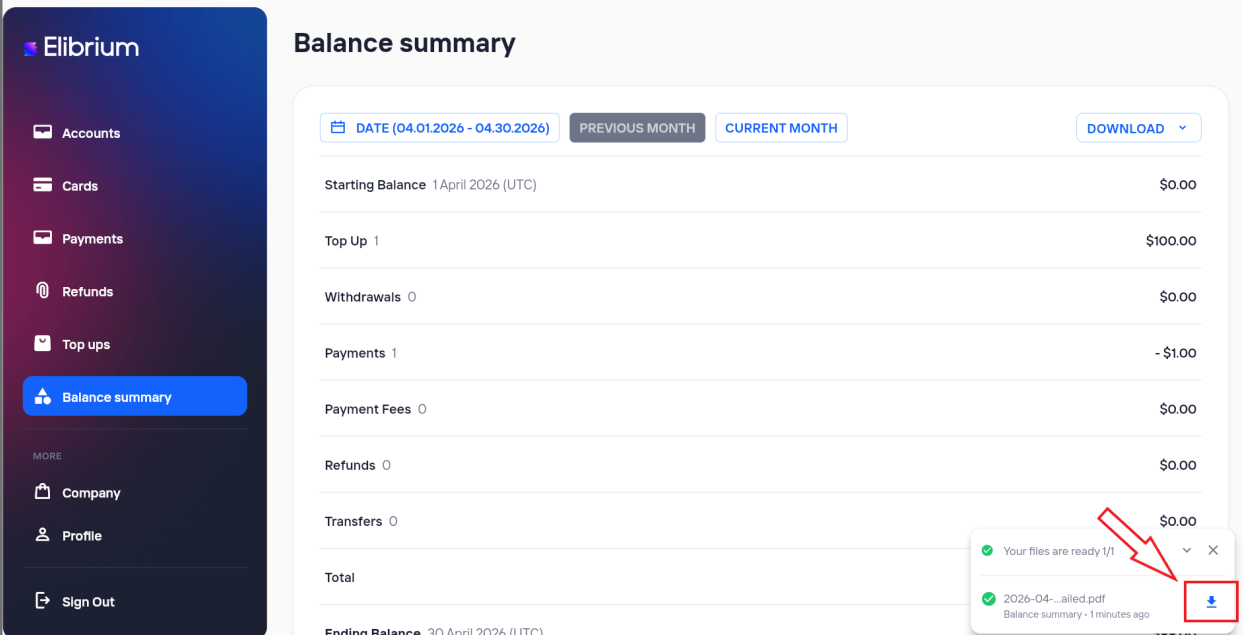
Click the download button in the export notification window.
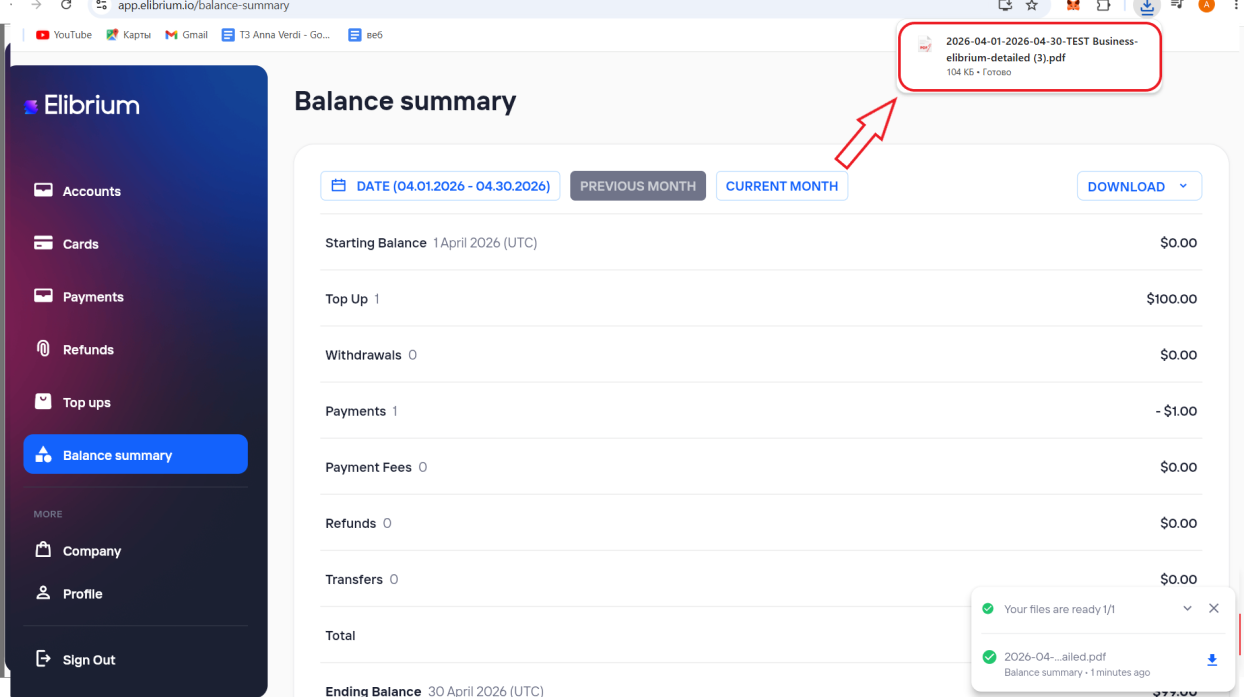
Click the downloaded file in the browser downloads window to open it.
Preparation may take some time.