Roles & permissions
Learn how user roles and permissions work, what access each role has, and how to manage members and access in the company workspace
Roles define which sections, actions, and features are available to users in the company workspace. Each role includes its own set of permissions and access levels.
Owner
Full company access, including:
managing members and roles;
managing cards and accounts;
managing payments, refunds, top ups, and transfers;
configuring spending policies;
blocking and unblocking members.
Important note:
only one Owner can exist in a company at the same time.
Admin
Access to the same features as Owner, except:
cannot assign the Owner role;
cannot manage the Owner account.
Important note:
multiple Admin users can be assigned.
Group Admin
Access to cards, spending, and members within assigned groups or teams.
Group Admin users can:
manage team cards and related operations;
manage spending policies and limits within their team;
view and manage team operations.
Important note:
access is limited to assigned groups or teams;
cannot manage company-level roles such as Owner or Admin.
Accountant
Accountant — access to financial data and reporting.
Accountant users can:
view cards, accounts, balances, payments, refunds, top-ups, and transfers;
filter, export, and reconcile data in those sections;
generate exports and balance summary reports where Export is available;
view card details.
Accountant users cannot:
invite or manage members;
create, edit, block cards;
change roles or block users;
manage spending policies or card limits.
User
Access only to assigned cards, accounts, and related operations.
User access may include:
viewing assigned cards and balances;
making or viewing related transactions;
viewing available reports and operations within assigned access.
Important note:
some sections may be hidden depending on company configuration;
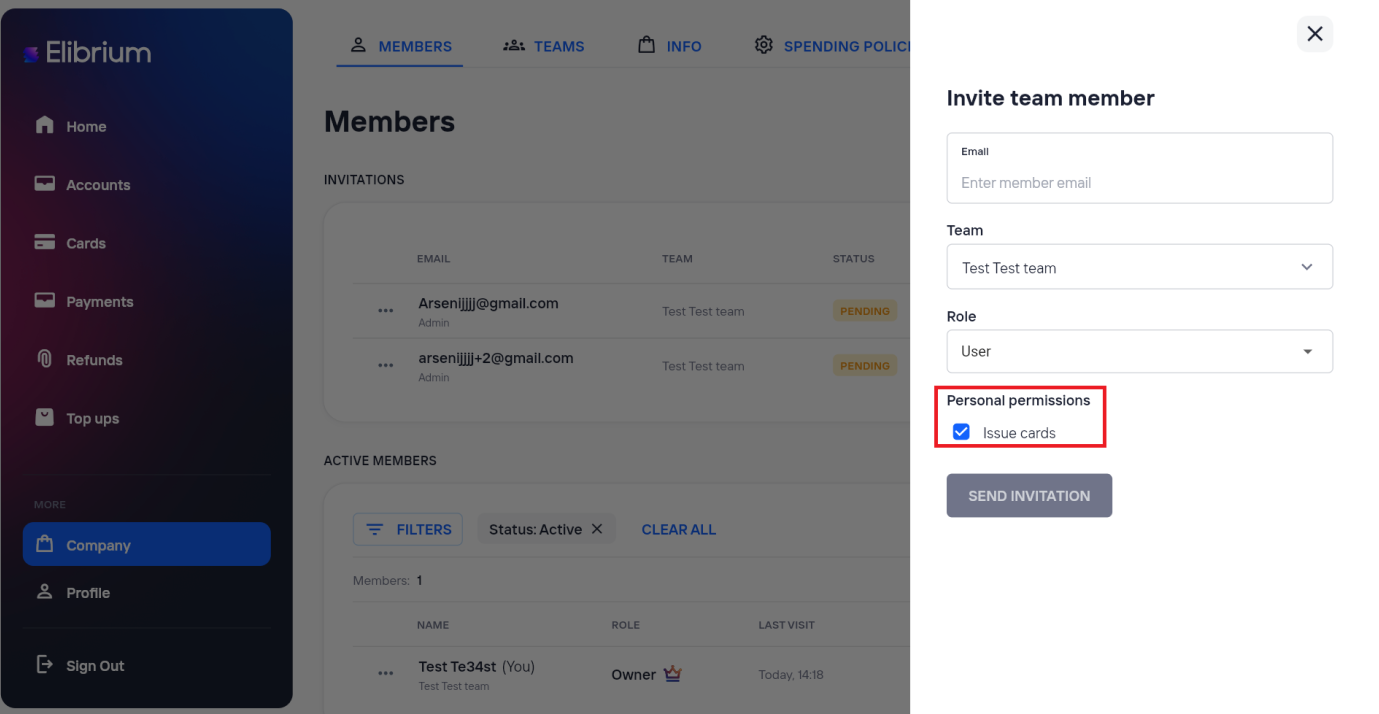
Users can issue cards if card issuing permissions are assigned.
How to change a member’s role
Changing member roles is available only to Owner and Admin.
Open Company → Members.
Find the employee in the active members list.
Open the row menu.
Choose edit and save the new role.