Card spending limits
Learn how card spending limits work and which limits can be configured for a card
Card limits control how much can be spent with a card.
Available limits include:
overall limit;
per transaction limit;
daily limit;
weekly limit;
monthly limit.
Limits are configured separately from spending policies.
How to configure card limits
Open Cards.
Open card details.
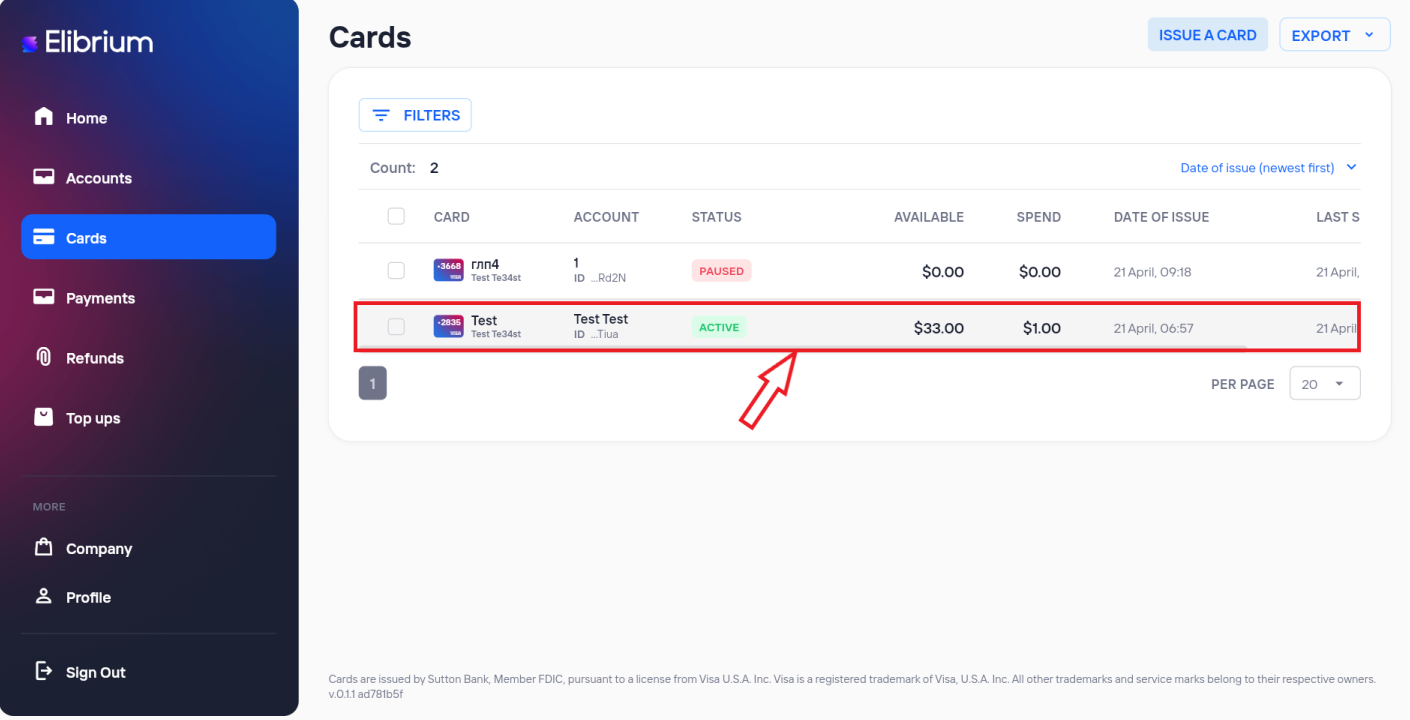
Open the Limits section.
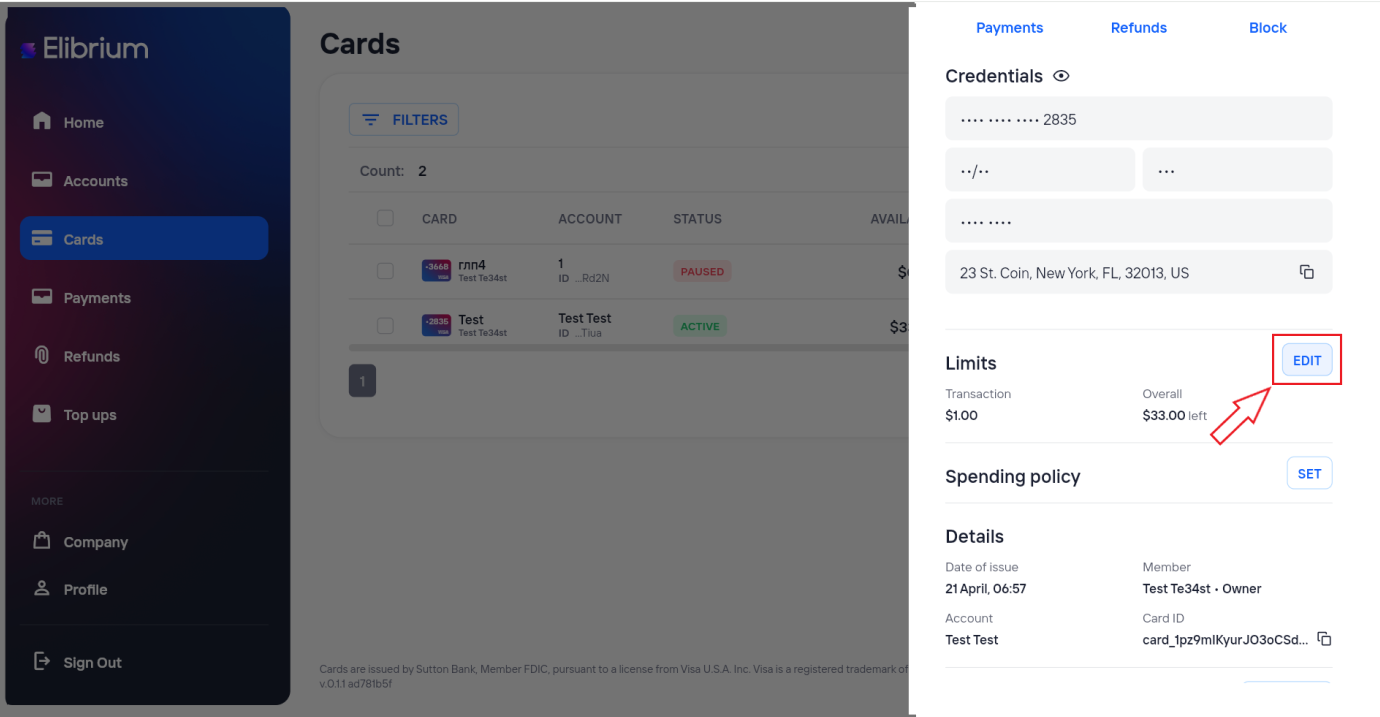
Set the required spending limits.
Click Save.
You can configure card limits when issuing a card.
After saving, new limits apply to future card transactions.
Important note
Transactions that exceed configured limits are declined.
Appropriate permissions may be required to view and update card limits. If the option is unavailable, please contact your company administrator, account manager, or Elibrium support team.