How can I find completed payments?
Learn how to find payments that have been successfully completed.
Open Payments.
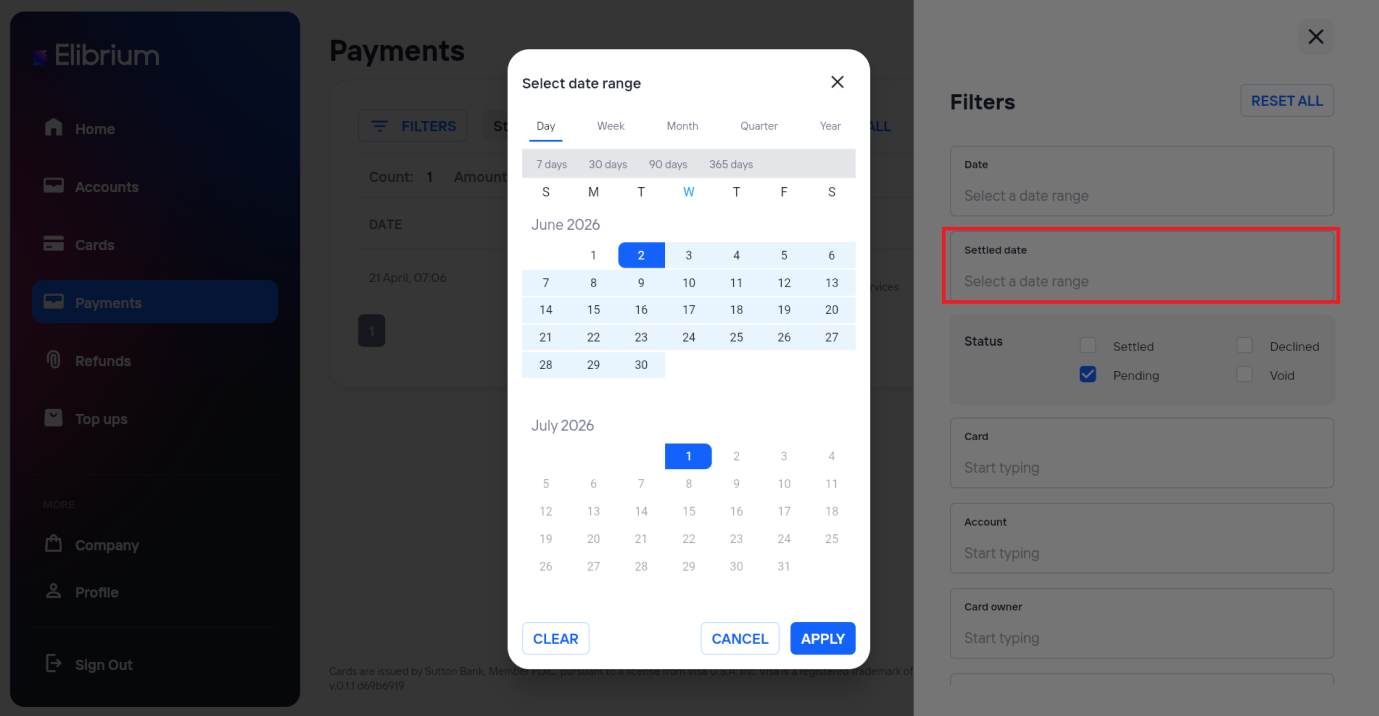
Select the required Settled Date range.
The list will display all successfully completed payments within the selected settlement period.
In the Status filter, select Settled.
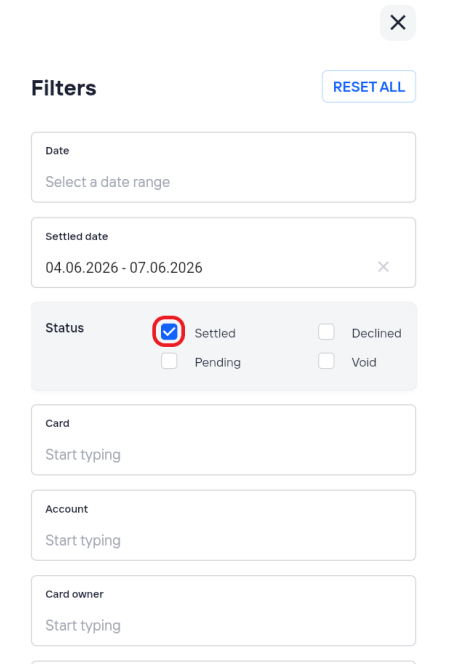
Click Apply to update the results.
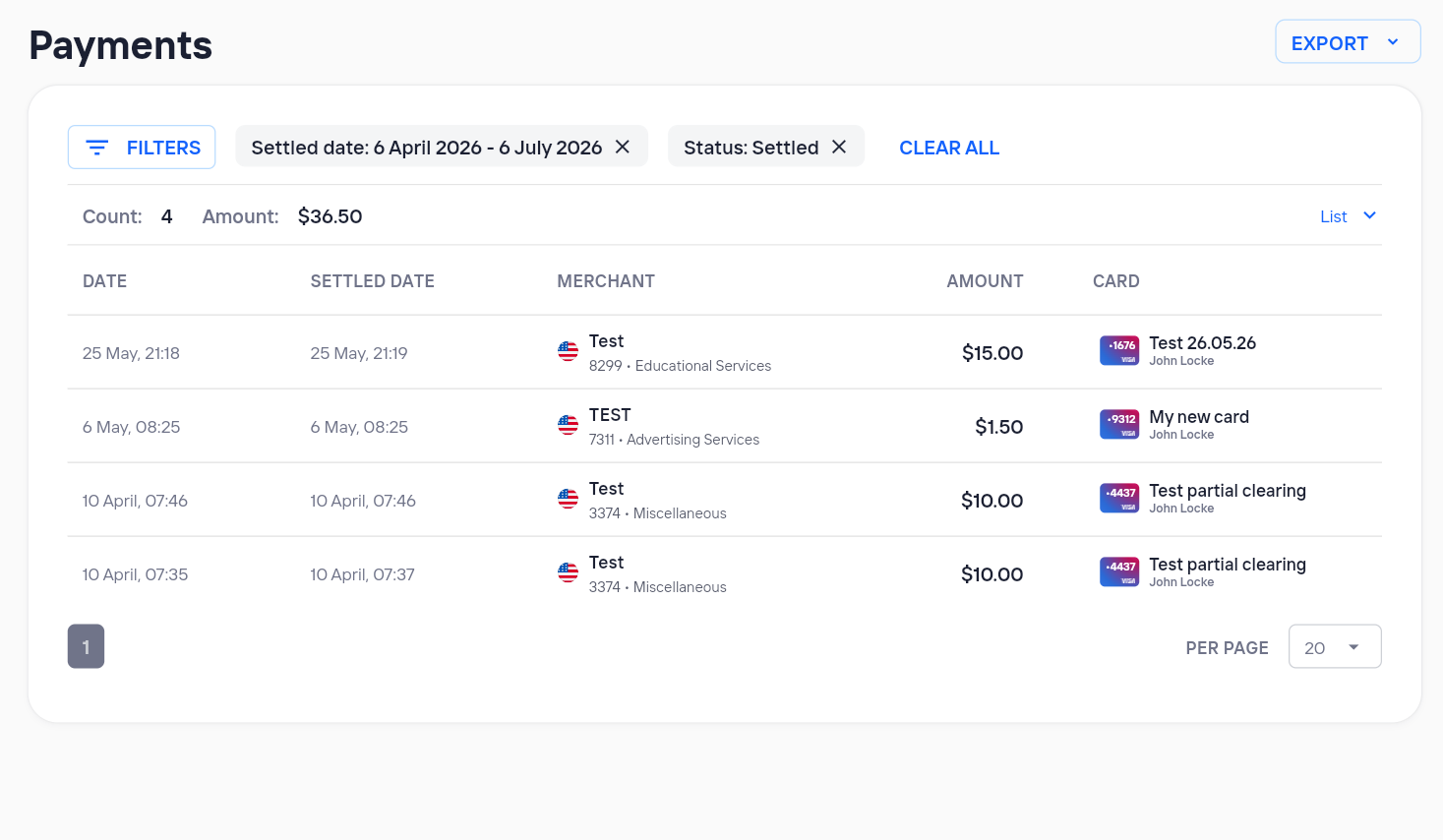
The list will display all successfully completed payments within the selected settlement period.