How do I add a note to a payment?
Learn how to add, edit, or remove a note for a payment.
Open Payments.
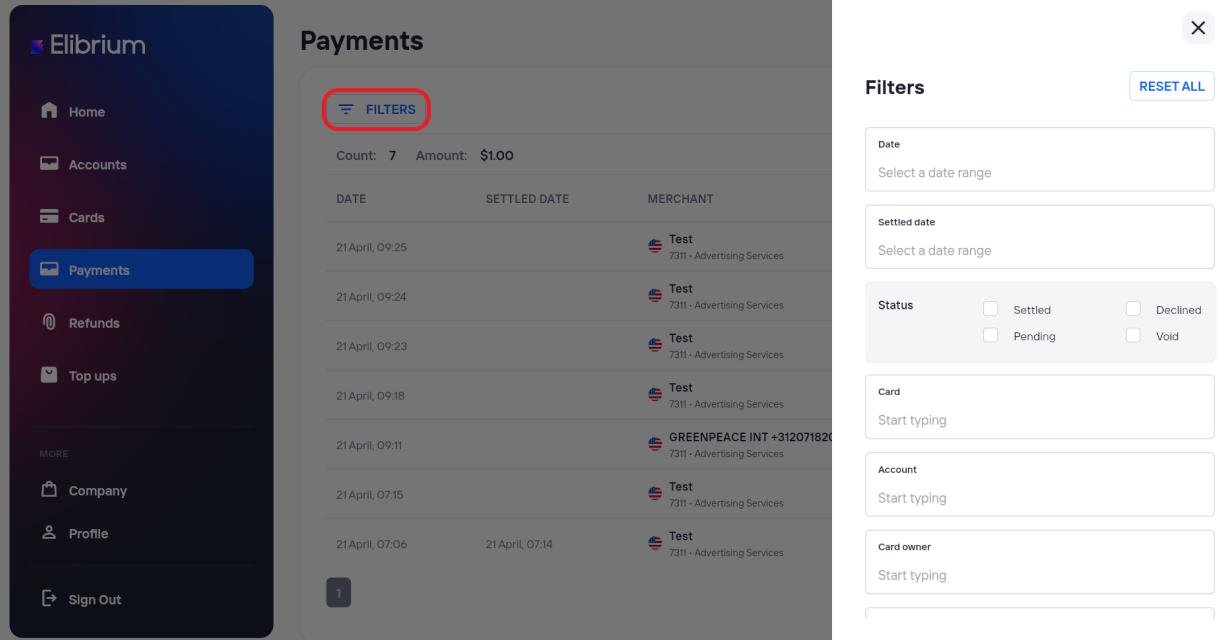
If needed, use the available filters to find the required payment.
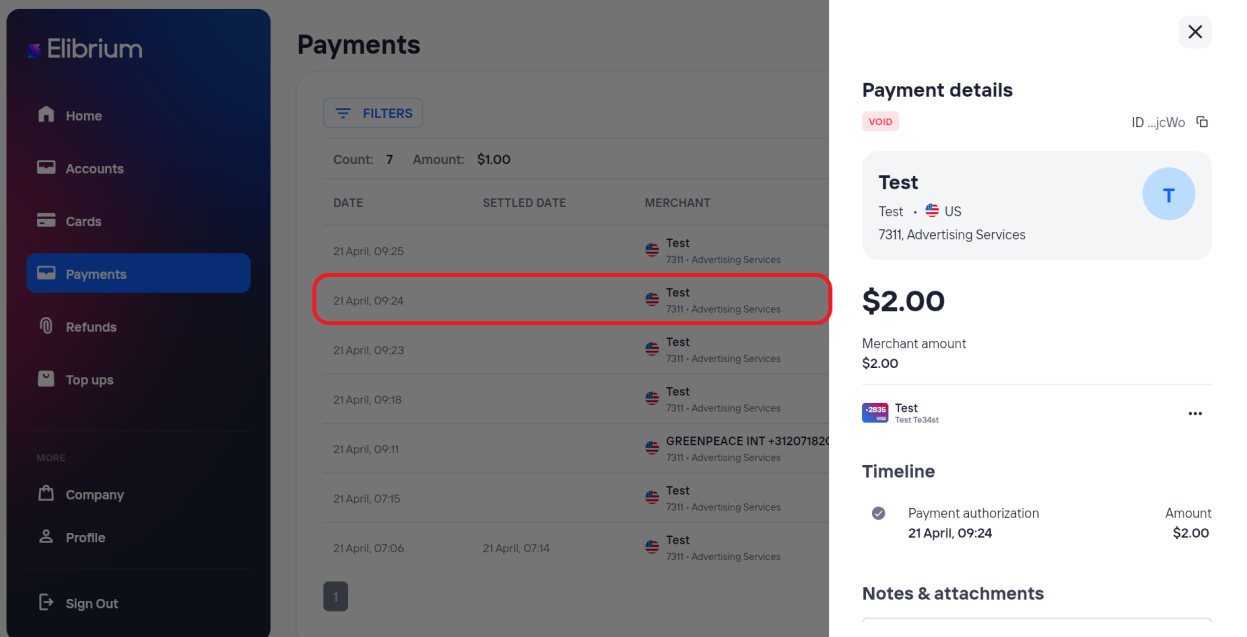
Open the payment details.
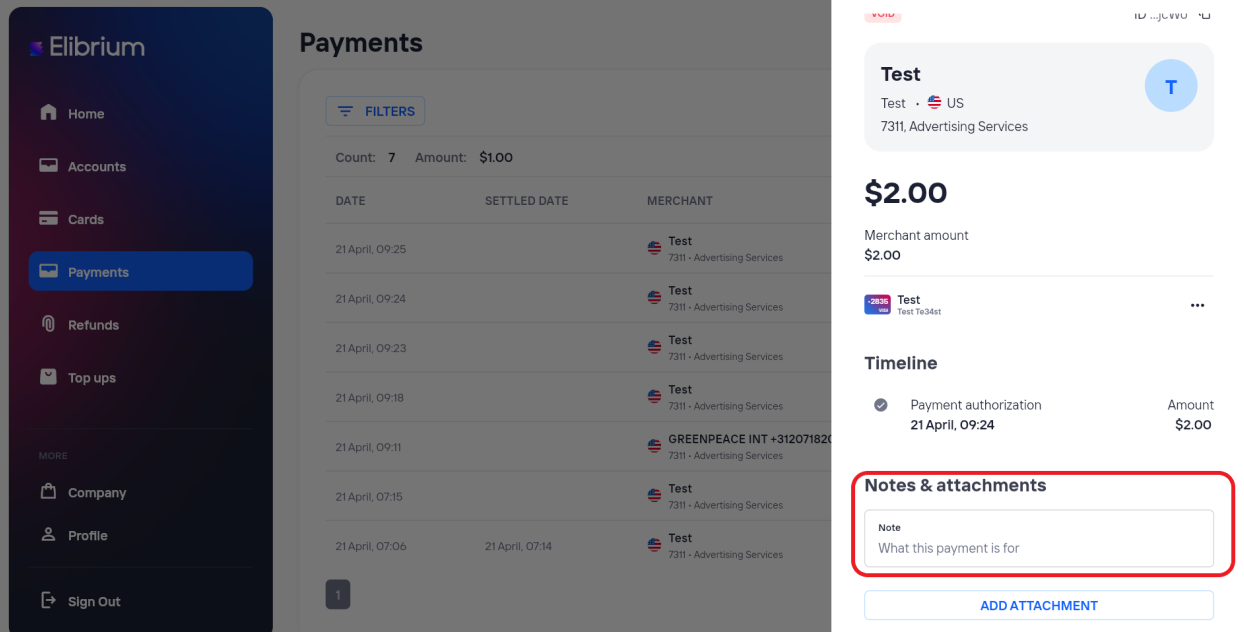
In the Notes & Attachments section, enter your text in the Note field. Your note is saved. automatically.
Important notes
A note can contain up to 5,000 characters.
Notes are available only to users with access to the selected payment.