How can I view all account transactions?
Learn how to view all completed transactions for a specific account, including payments, transfers, top-ups, and refunds.
Open Accounts.
Go to the Balance History tab.
Select the required account.
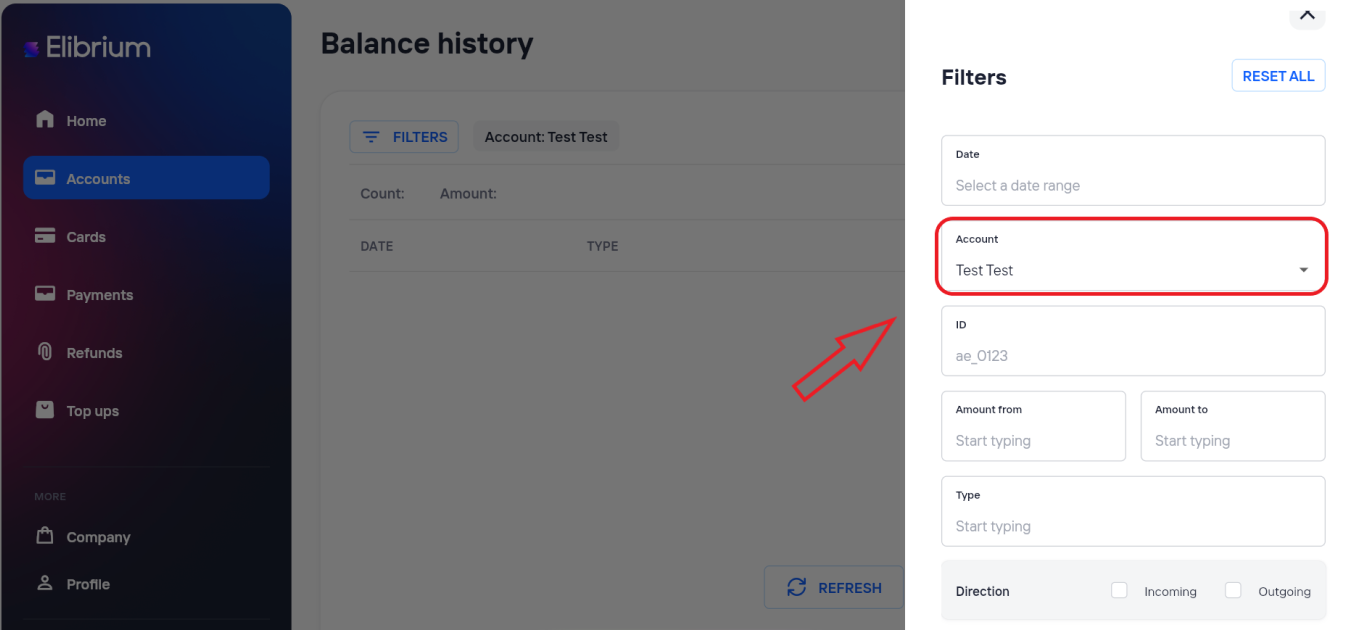
The list displays all completed transactions for the selected account, including:
payments;
transfers;
top-ups;
refunds;
other account transactions.
Important note:
Balance History displays transactions for one selected account only and does not include payments with the Pending status.